Discover how to install Docker and Docker Compose with a single command on Linux systems. This guide provides step-by-step instructions for Ubuntu, Debian, and other distributions, ensuring seamless setup. Learn why this method saves time and simplifies containerization workflows. Perfect for developers and DevOps professionals seeking efficiency.
Step 1: install Docker and Docker compose.
curl -fsSL https://get.docker.com -o get-docker.sh
sudo sh get-docker.sh
Step 2: add user to Docker
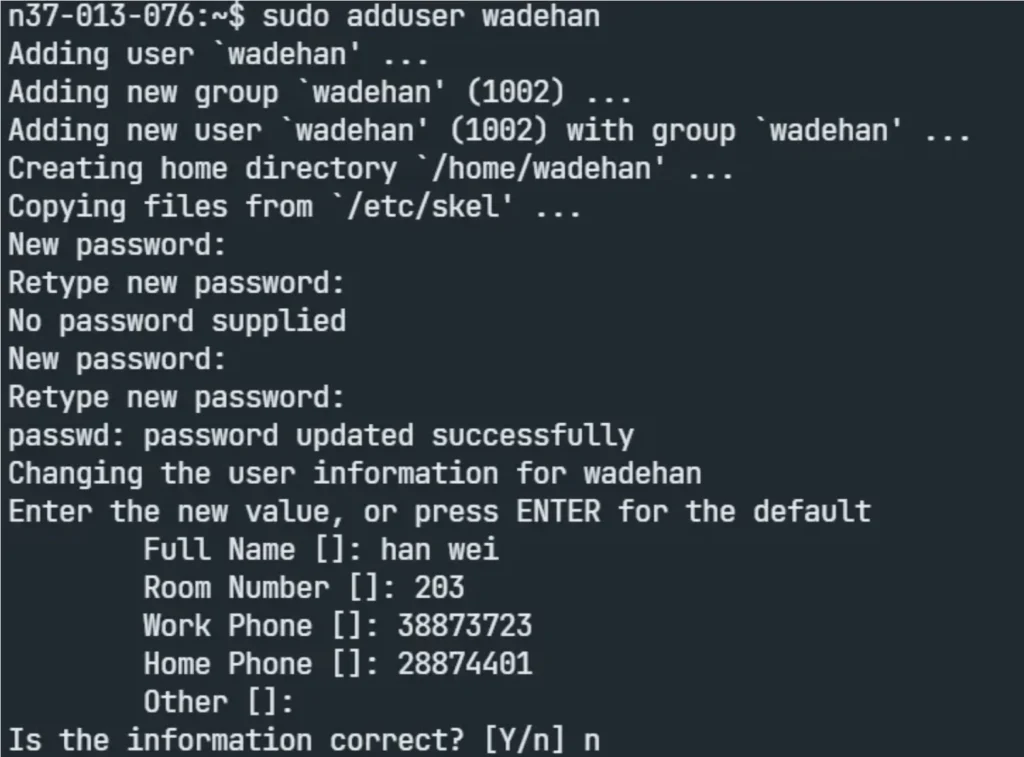
adduser $user # replace $user for your user name
usermod -aG docker $user